


EDOLUC LIGHT
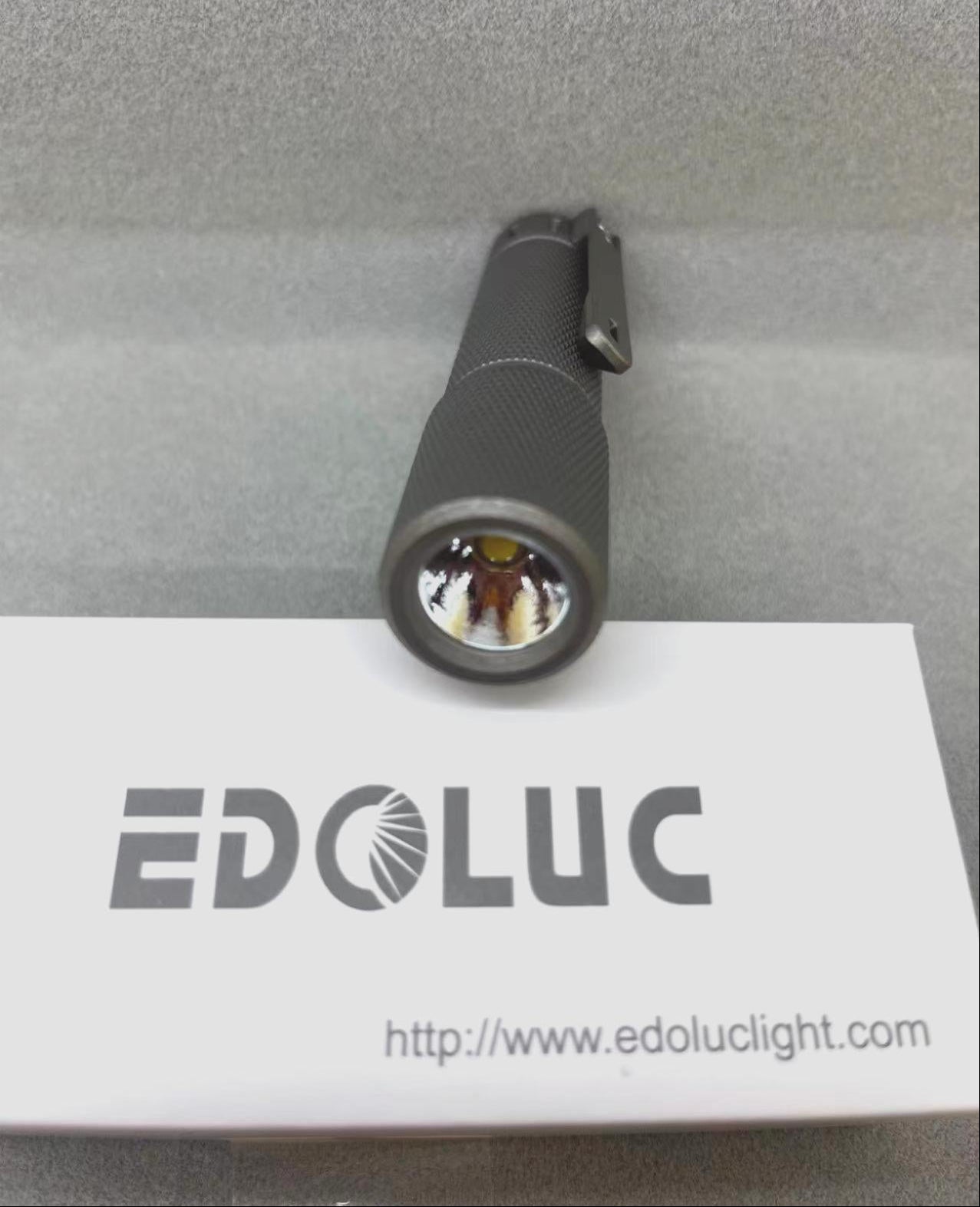
EDOLUC Knurly 14500/AA Flashlight Titanium with Type-C 14500/AA Battery
EDOLUC Knurly 14500/AA Flashlight Titanium with Type-C 14500/AA Battery
5.0 / 5.0
(4) 4 Bewertungen insgesamt
Verfügbarkeit für Abholungen konnte nicht geladen werden
EDOLUC Knurly 14500/AA Flashlight Titanium
Tritium Size: 1.5mm *6mm , have 8 tritum slots in the body + 2 tritum slots in the switch
Nichia 519A 4000K (High): 550 lumens.
XPL 6500K (High): 850 lumens
Packaging :1pc with 1 Type-C 14500 battery/Box.
Size: 97mm(L) * 22mm(W)
Weight: 109g(with battery)
Features
Entering Programming Mode:
Turn on the flashlight and quickly half-press the tail switch more than 8 times. When the LED flashes rapidly, it indicates that the flashlight has entered programming mode.
Programming Mode Features:
A. Selecting Output Groups (5 Groups Available):
After entering programming mode:
- The LED will flash slowly once, followed by a series of fast flashes.
- Press the switch during the fast flashes to enter the mode selection process.
How to select output groups:
- Slow flash 1 time, followed by fast flashes: Press the switch to select Group 1.
- Slow flash 2 times, followed by fast flashes: Press the switch to select Group 2.
- Slow flash 3 times, followed by fast flashes: Press the switch to select Group 3.
- Slow flash 4 times, followed by fast flashes: Press the switch to select Group 4.
- Slow flash 5 times, followed by fast flashes: Press the switch to select Group 5.
If no selection is made for a given option, the cycle will repeat once. If no option is selected after two cycles, the flashlight will exit programming mode.
Output Groups:
- Moonlight - 40%
- Moonlight - 30% - 100%
- Moonlight - 5% - 30% - 100%
- Moonlight - 30% - 100% - Strobe
- Moonlight - 10% - 50% - Strobe - SOS
Default Factory Setting:
Group 2: Moonlight - 30% - 100%, Memory OFF.
B. Enabling or Disabling Memory Function (Default: Disabled)
- In programming mode, the LED will slow flash 2 times, followed by fast flashes. During the fast flashes, press the switch to toggle memory mode on/off.
C. Enabling or Disabling Moonlight Mode
- In programming mode, the LED will slow flash 3 times, followed by fast flashes. During the fast flashes, press the switch to enable or disable Moonlight mode.
D. Changing Mode Order (Default: Low → Medium → High)
- In programming mode, the LED will slow flash 4 times, followed by fast flashes. During the fast flashes, press the switch to change the order to High → Medium → Low.
E. Restoring Factory Settings
(Default settings: Memory OFF, Moonlight mode ON, Low → Medium → High order)
- In programming mode, the LED will slow flash 5 times, followed by fast flashes. During the fast flashes, press the switch to restore factory settings.
Switch Functions:
- Half-press (light press): Cycle through modes.
- Double press quickly: Activate 70% brightness.
- Triple press quickly: Activate strobe mode.
*Use of light in “strobe” mode may cause seizure in persons with photosensitive epilepsy.*
Share


Full Metal, heavy but small, fits well in the Hand. Bright enough and really Solid. Excellent
went for the shiny one with the Cree LED and so far everything is fine.
Shipping was very fast
I love the quality of the product. The design is top notch!. Is with me at all times. Illuminating setting is what sold me on them. I previously purchased the aaa battery one, but this model is my favorite. Built like a tank, no excuse to not having a light.
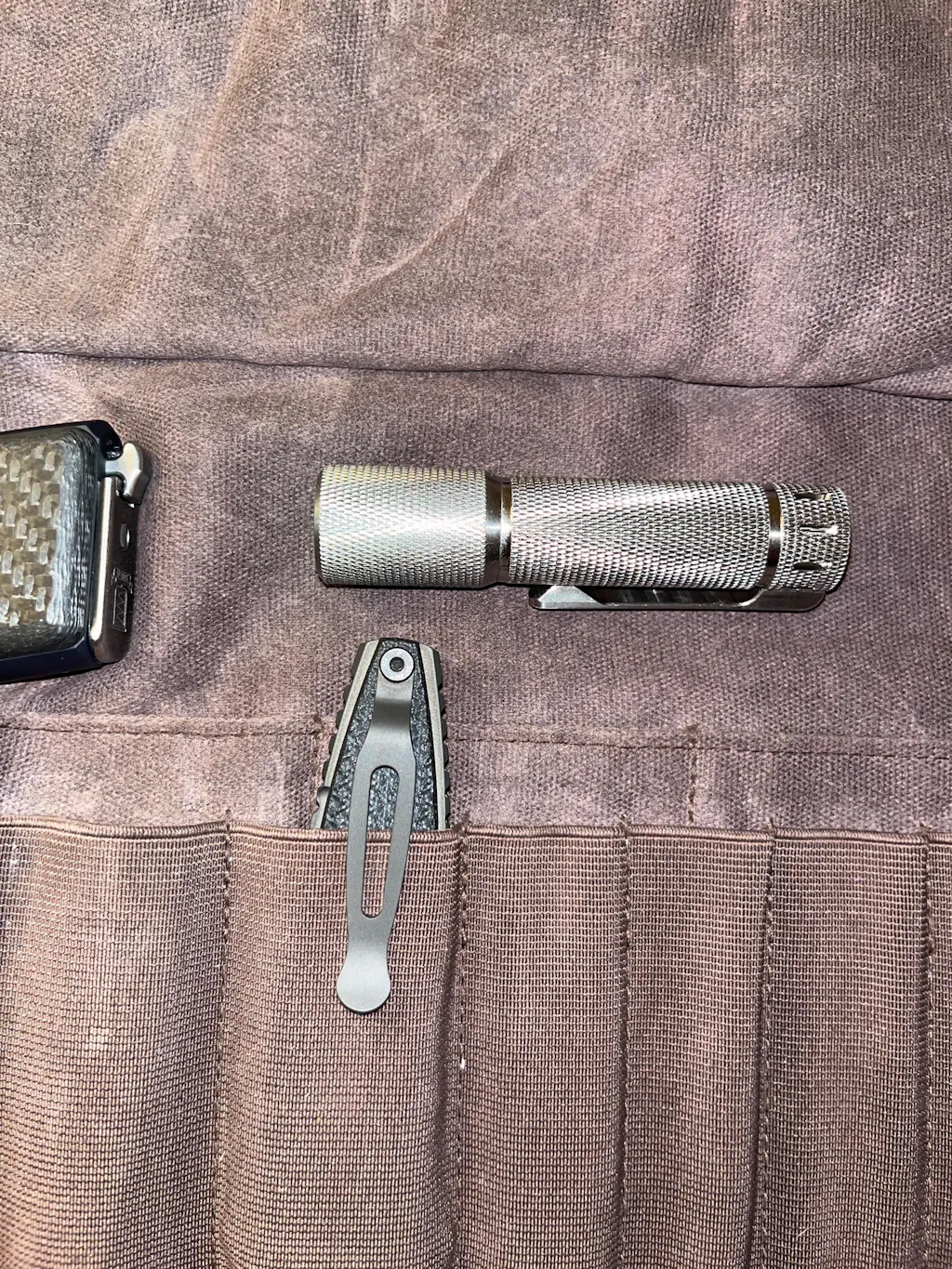
absolutely beautiful machinery, more than I expected, originally left a negative review because I did not receive it yet, worth the wait