


EDOLUC LIGHT
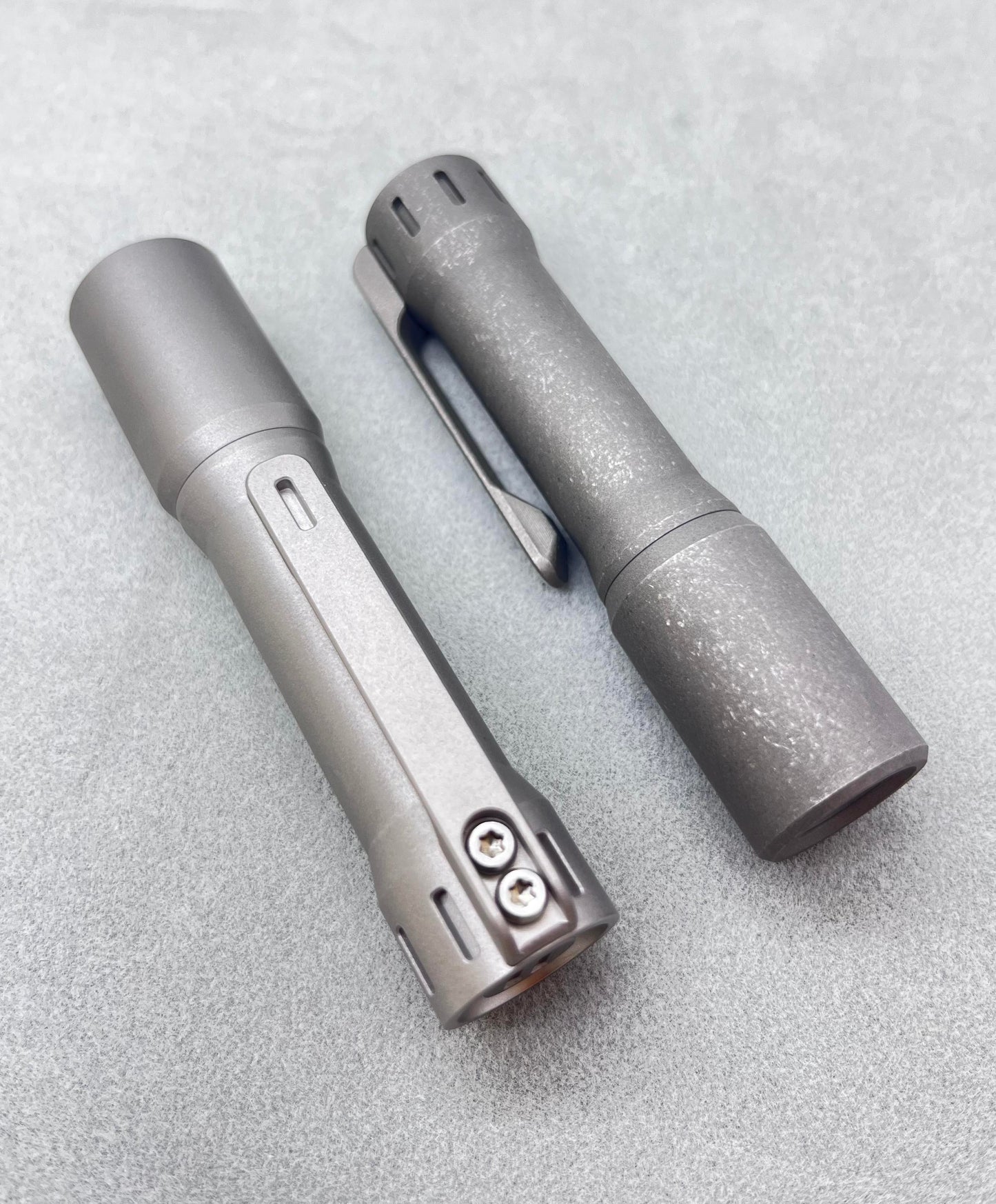
EDOLUC Glow arrow2.0 14500/AA EDC Flashlight Titanium Beadblasted/Stonewashed Smooth with Type-C Battery
EDOLUC Glow arrow2.0 14500/AA EDC Flashlight Titanium Beadblasted/Stonewashed Smooth with Type-C Battery
5.0 / 5.0
(2) 2 total reviews
Couldn't load pickup availability
EDOLUC Glow arrow 2.0 14500/AA Smooth Flashlight Titanium
We’ve updated the button
Update the tritium vial is : 8pc+2pc
Tritium size: 1.5*6mm
XPL 6500K (High): 850 lumens
Nichia 519A 4000K(high): 550 Lumens
Packaging :1pc with 1 Type-C 14500 battery/Box.
Size: 98mm(L) * 21mm(W)
Weight: 85g(with battery)
Features(New)
Entering Programming Mode:
Turn on the flashlight and quickly half-press the tail switch more than 8 times. When the LED flashes rapidly, it indicates that the flashlight has entered programming mode.
Programming Mode Features:
A. Selecting Output Groups (5 Groups Available):
After entering programming mode:
- The LED will flash slowly once, followed by a series of fast flashes.
- Press the switch during the fast flashes to enter the mode selection process.
How to select output groups:
- Slow flash 1 time, followed by fast flashes: Press the switch to select Group 1.
- Slow flash 2 times, followed by fast flashes: Press the switch to select Group 2.
- Slow flash 3 times, followed by fast flashes: Press the switch to select Group 3.
- Slow flash 4 times, followed by fast flashes: Press the switch to select Group 4.
- Slow flash 5 times, followed by fast flashes: Press the switch to select Group 5.
If no selection is made for a given option, the cycle will repeat once. If no option is selected after two cycles, the flashlight will exit programming mode.
Output Groups:
- Moonlight - 40%
- Moonlight - 30% - 100%
- Moonlight - 5% - 30% - 100%
- Moonlight - 30% - 100% - Strobe
- Moonlight - 10% - 50% - Strobe - SOS
Default Factory Setting:
Group 2: Moonlight - 30% - 100%, Memory OFF.
B. Enabling or Disabling Memory Function (Default: Disabled)
- In programming mode, the LED will slow flash 2 times, followed by fast flashes. During the fast flashes, press the switch to toggle memory mode on/off.
C. Enabling or Disabling Moonlight Mode
- In programming mode, the LED will slow flash 3 times, followed by fast flashes. During the fast flashes, press the switch to enable or disable Moonlight mode.
D. Changing Mode Order (Default: Low → Medium → High)
- In programming mode, the LED will slow flash 4 times, followed by fast flashes. During the fast flashes, press the switch to change the order to High → Medium → Low.
E. Restoring Factory Settings
(Default settings: Memory OFF, Moonlight mode ON, Low → Medium → High order)
- In programming mode, the LED will slow flash 5 times, followed by fast flashes. During the fast flashes, press the switch to restore factory settings.
Switch Functions:
- Half-press (light press): Cycle through modes.
- Double press quickly: Activate 70% brightness.
- Triple press quickly: Activate strobe mode.
*Use of light in “strobe” mode may cause seizure in persons with photosensitive epilepsy.*
Share


I brought the Glow Arrow after watching a few YouTube videos. I’m extremely impressed! Beautifully machined and incredible value for money. Shipping was lightning fast. Outstanding flashlight! 10/10
Fit and finish is excellent/emitter is quite proper for me!