


EDOLUC LIGHT
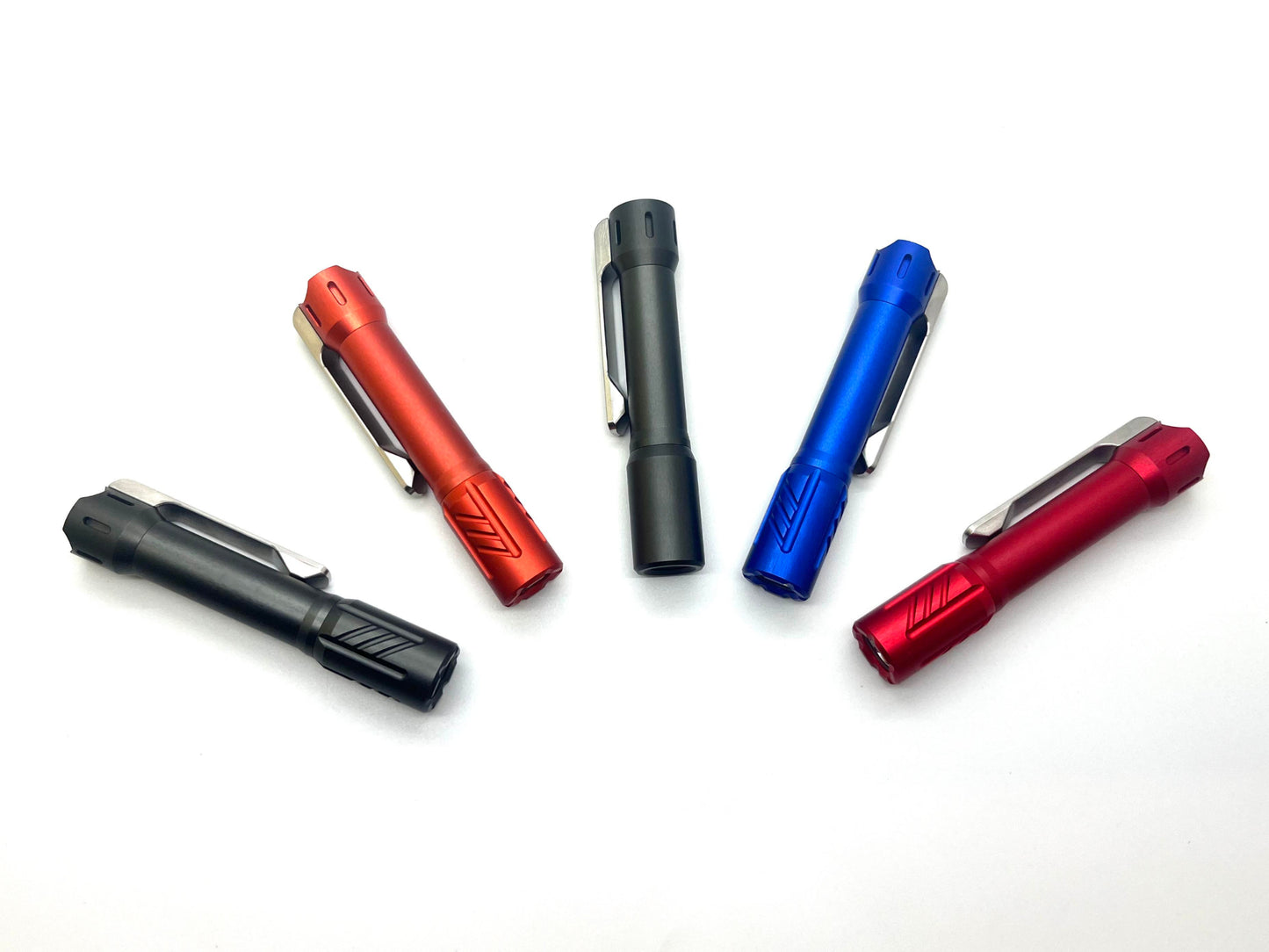
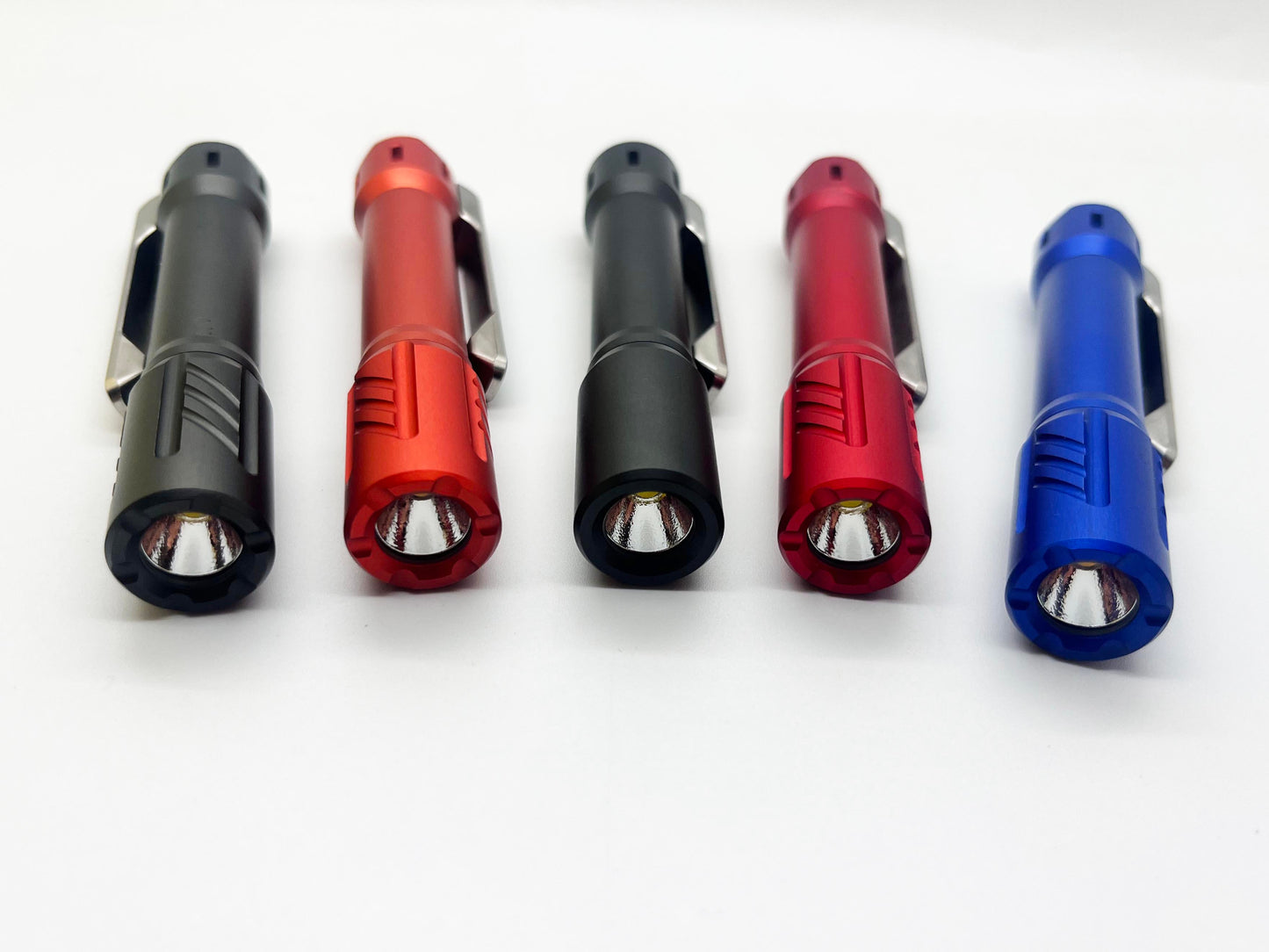
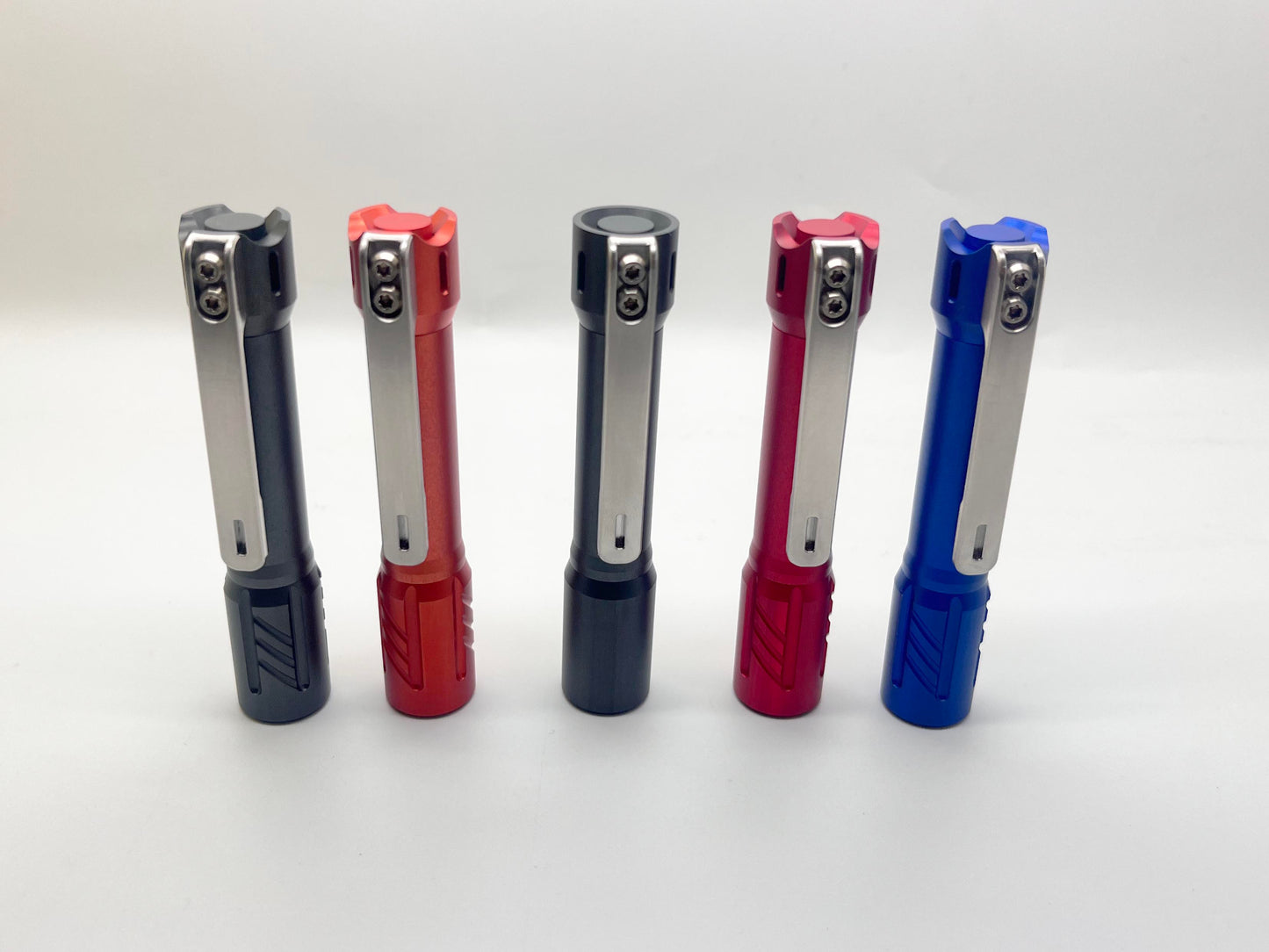
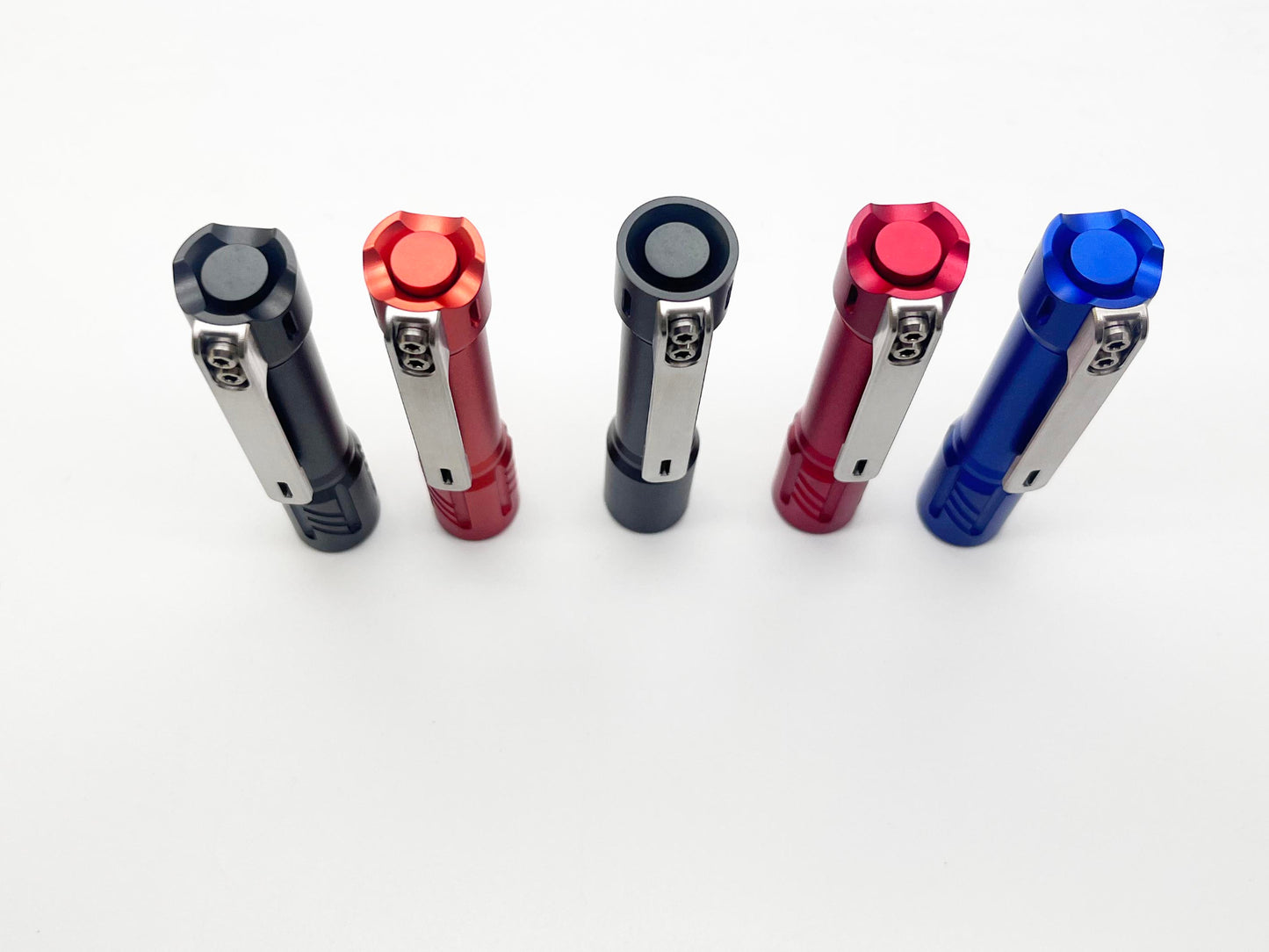
Edoluc Little Glow Arrow 10440 Aluminum EDC Flashlight with SS Clip
Edoluc Little Glow Arrow 10440 Aluminum EDC Flashlight with SS Clip
4.25 / 5.0
(4) 4 total reviews
Couldn't load pickup availability
7075 aerospace-grade aluminum
Stainless Steel Clip
XPL 6500K Lumens: 700 Lumens(100%), 317 Lumens (50%), 85 Lumens (10%), 2
Lumens (Moonlight)
LED : Samsung 5000K / XPL 6500K
Size: 9.2cm(L) * 1.7cm(W) Weight: 40.5g
Packaging :1pc with 10440 battery in the box.
Features(New)
Entering Programming Mode:
Turn on the flashlight and quickly half-press the tail switch more than 8 times. When the LED flashes rapidly, it indicates that the flashlight has entered programming mode.
Programming Mode Features:
A. Selecting Output Groups (5 Groups Available):
After entering programming mode:
- The LED will flash slowly once, followed by a series of fast flashes.
- Press the switch during the fast flashes to enter the mode selection process.
How to select output groups:
- Slow flash 1 time, followed by fast flashes: Press the switch to select Group 1.
- Slow flash 2 times, followed by fast flashes: Press the switch to select Group 2.
- Slow flash 3 times, followed by fast flashes: Press the switch to select Group 3.
- Slow flash 4 times, followed by fast flashes: Press the switch to select Group 4.
- Slow flash 5 times, followed by fast flashes: Press the switch to select Group 5.
If no selection is made for a given option, the cycle will repeat once. If no option is selected after two cycles, the flashlight will exit programming mode.
Output Groups:
- Moonlight - 40%
- Moonlight - 30% - 100%
- Moonlight - 5% - 30% - 100%
- Moonlight - 30% - 100% - Strobe
- Moonlight - 10% - 50% - Strobe - SOS
Default Factory Setting:
Group 2: Moonlight - 30% - 100%, Memory OFF.
B. Enabling or Disabling Memory Function (Default: Disabled)
- In programming mode, the LED will slow flash 2 times, followed by fast flashes. During the fast flashes, press the switch to toggle memory mode on/off.
C. Enabling or Disabling Moonlight Mode
- In programming mode, the LED will slow flash 3 times, followed by fast flashes. During the fast flashes, press the switch to enable or disable Moonlight mode.
D. Changing Mode Order (Default: Low → Medium → High)
- In programming mode, the LED will slow flash 4 times, followed by fast flashes. During the fast flashes, press the switch to change the order to High → Medium → Low.
E. Restoring Factory Settings
(Default settings: Memory OFF, Moonlight mode ON, Low → Medium → High order)
- In programming mode, the LED will slow flash 5 times, followed by fast flashes. During the fast flashes, press the switch to restore factory settings.
Switch Functions:
- Half-press (light press): Cycle through modes.
- Double press quickly: Activate 70% brightness.
- Triple press quickly: Activate strobe mode.
*Use of light in “strobe” mode may cause seizure in persons with photosensitive epilepsy.*
Share
Mine flickers
This torch is ridicously good for a little over £15. Edoluc seems to pay attention to the emiiter bins it uses, and this torch has the best tint of any Samsung 5000k that I've used - and I've owned quite a few. The switch on my example is very good, it's precise, not mushy and doesn't gall. I''m very happy with the torch and it's going to be well used.
Amazing little light.

Absolutely amazing little light. Fit, finish and function is perfect. Love the UI. Everyone should own some of these.