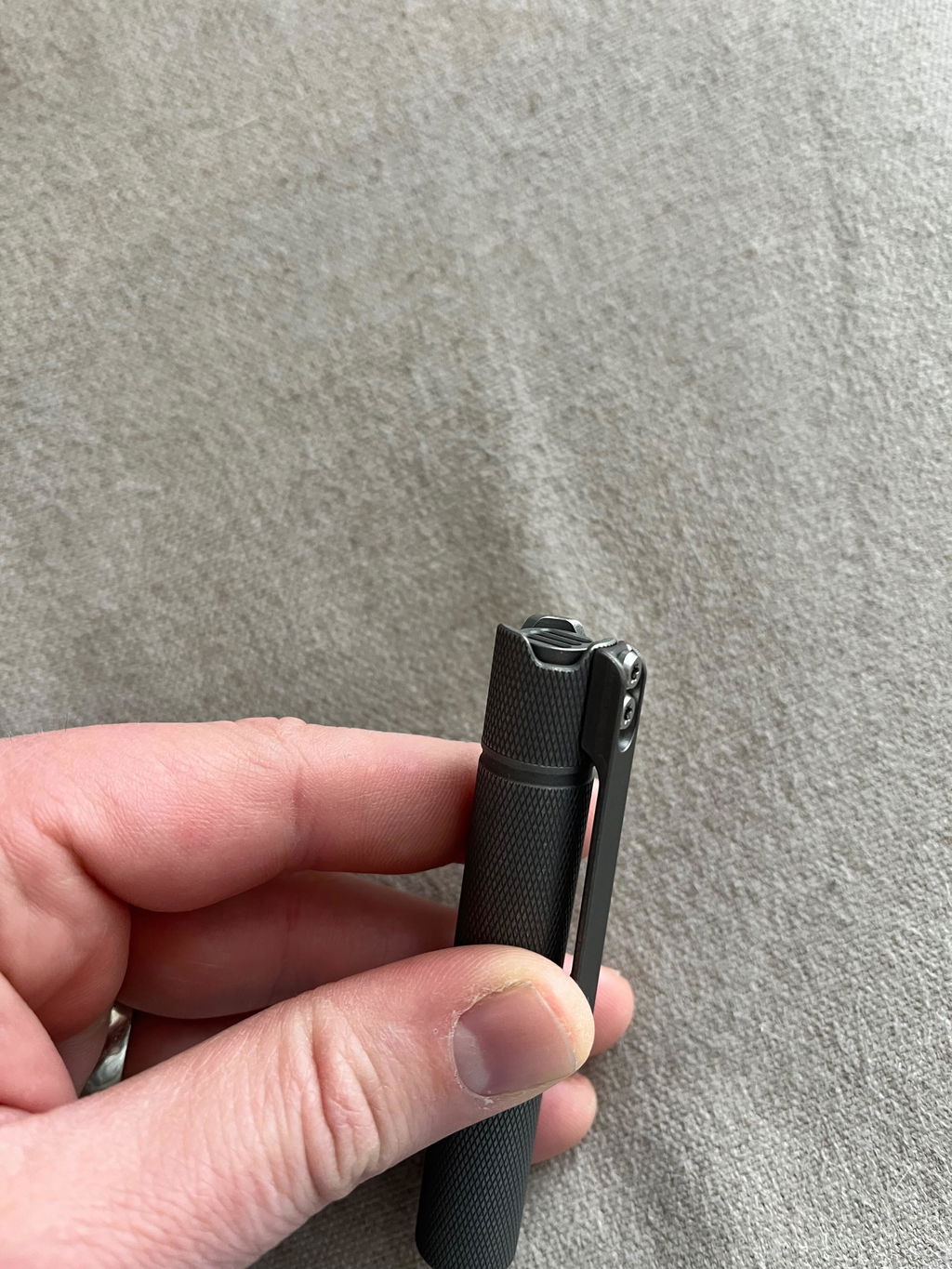


EDOLUC LIGHT
Edoluc knurly 10440/AAA Titanium Flashlight NiChia 519A 4000K,Cree XPL6500K LED with Titanium Clip
Edoluc knurly 10440/AAA Titanium Flashlight NiChia 519A 4000K,Cree XPL6500K LED with Titanium Clip
4.57 / 5.0
(7) 7 total reviews
Couldn't load pickup availability
Size: 9.2cm(L) * 1.5cm(W) Weight: 47.5g
tritium tube Size: 1.5mm *6mm
Packed weight : 99.5g
Packaging :1pc with 10440 battery/Box.
Features
Entering Programming Mode:
Turn on the flashlight and quickly half-press the tail switch more than 8 times. When the LED flashes rapidly, it indicates that the flashlight has entered programming mode.
Programming Mode Features:
A. Selecting Output Groups (5 Groups Available):
After entering programming mode:
- The LED will flash slowly once, followed by a series of fast flashes.
- Press the switch during the fast flashes to enter the mode selection process.
How to select output groups:
- Slow flash 1 time, followed by fast flashes: Press the switch to select Group 1.
- Slow flash 2 times, followed by fast flashes: Press the switch to select Group 2.
- Slow flash 3 times, followed by fast flashes: Press the switch to select Group 3.
- Slow flash 4 times, followed by fast flashes: Press the switch to select Group 4.
- Slow flash 5 times, followed by fast flashes: Press the switch to select Group 5.
If no selection is made for a given option, the cycle will repeat once. If no option is selected after two cycles, the flashlight will exit programming mode.
Output Groups:
- Moonlight - 40%
- Moonlight - 30% - 100%
- Moonlight - 5% - 30% - 100%
- Moonlight - 30% - 100% - Strobe
- Moonlight - 10% - 50% - Strobe - SOS
Default Factory Setting:
Group 2: Moonlight - 30% - 100%, Memory OFF.
B. Enabling or Disabling Memory Function (Default: Disabled)
- In programming mode, the LED will slow flash 2 times, followed by fast flashes. During the fast flashes, press the switch to toggle memory mode on/off.
C. Enabling or Disabling Moonlight Mode
- In programming mode, the LED will slow flash 3 times, followed by fast flashes. During the fast flashes, press the switch to enable or disable Moonlight mode.
D. Changing Mode Order (Default: Low → Medium → High)
- In programming mode, the LED will slow flash 4 times, followed by fast flashes. During the fast flashes, press the switch to change the order to High → Medium → Low.
E. Restoring Factory Settings
(Default settings: Memory OFF, Moonlight mode ON, Low → Medium → High order)
- In programming mode, the LED will slow flash 5 times, followed by fast flashes. During the fast flashes, press the switch to restore factory settings.
Switch Functions:
- Half-press (light press): Cycle through modes.
- Double press quickly: Activate 70% brightness.
- Triple press quickly: Activate strobe mode.
*Use of light in “strobe” mode may cause seizure in persons with photosensitive epilepsy.*
Share


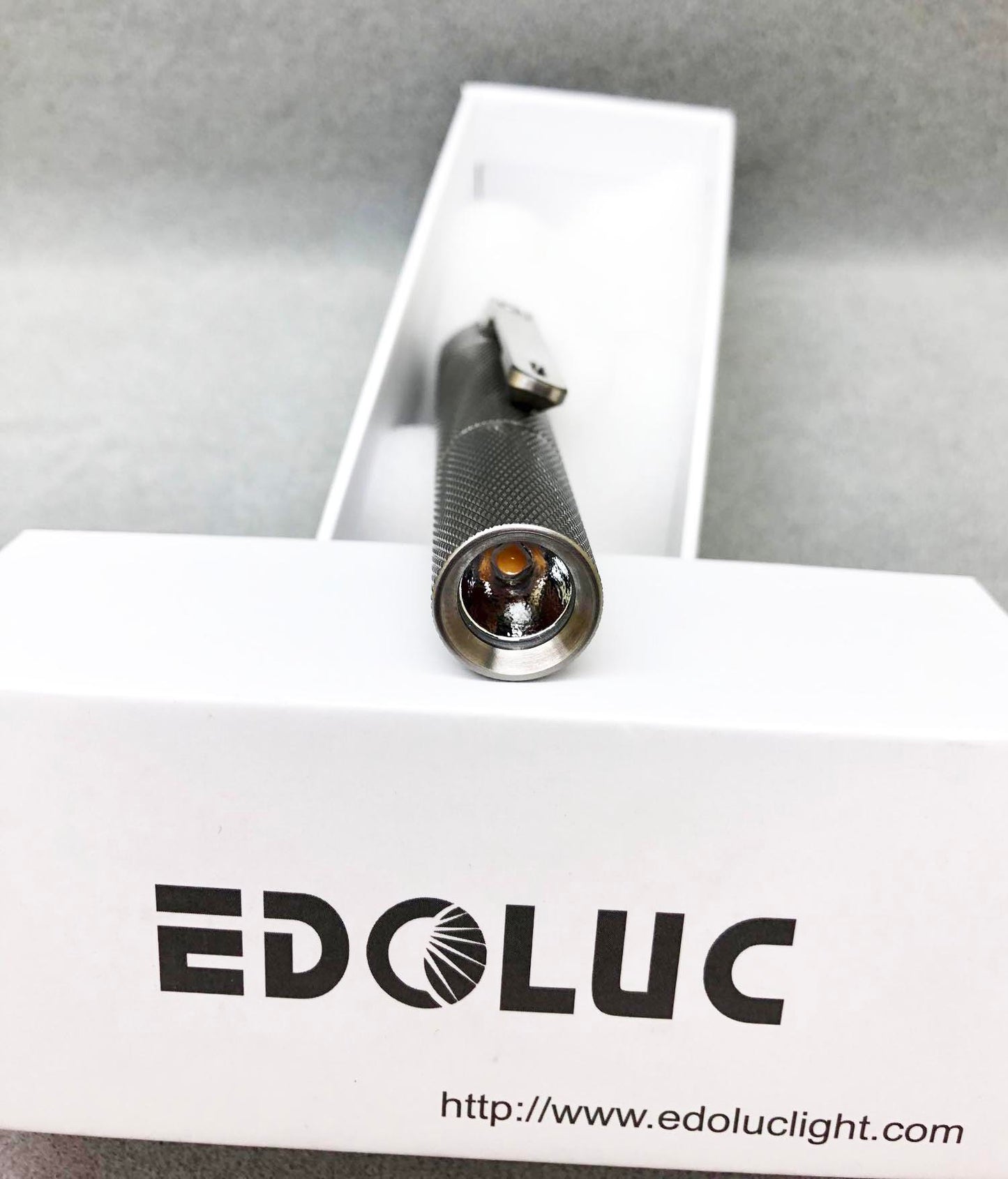
Top 🔝
Happy customer here. Dlievry was quick, my new flashlight is great. compact, nice texture, bright and very pretty. It most likely won't be my last edoluc flashlight :)
Love this little light. My light arrived with a faulty pill, but after a quick exchange of emails and attempts to trouble shoot, Viola very quickly sent me a replacement pill, (which happened to be the upgraded version!!) the light is back in action, and I couldn't be happier!
As described, perfect ergonomy, deep reflector for a better throw than similar models. Great EDC
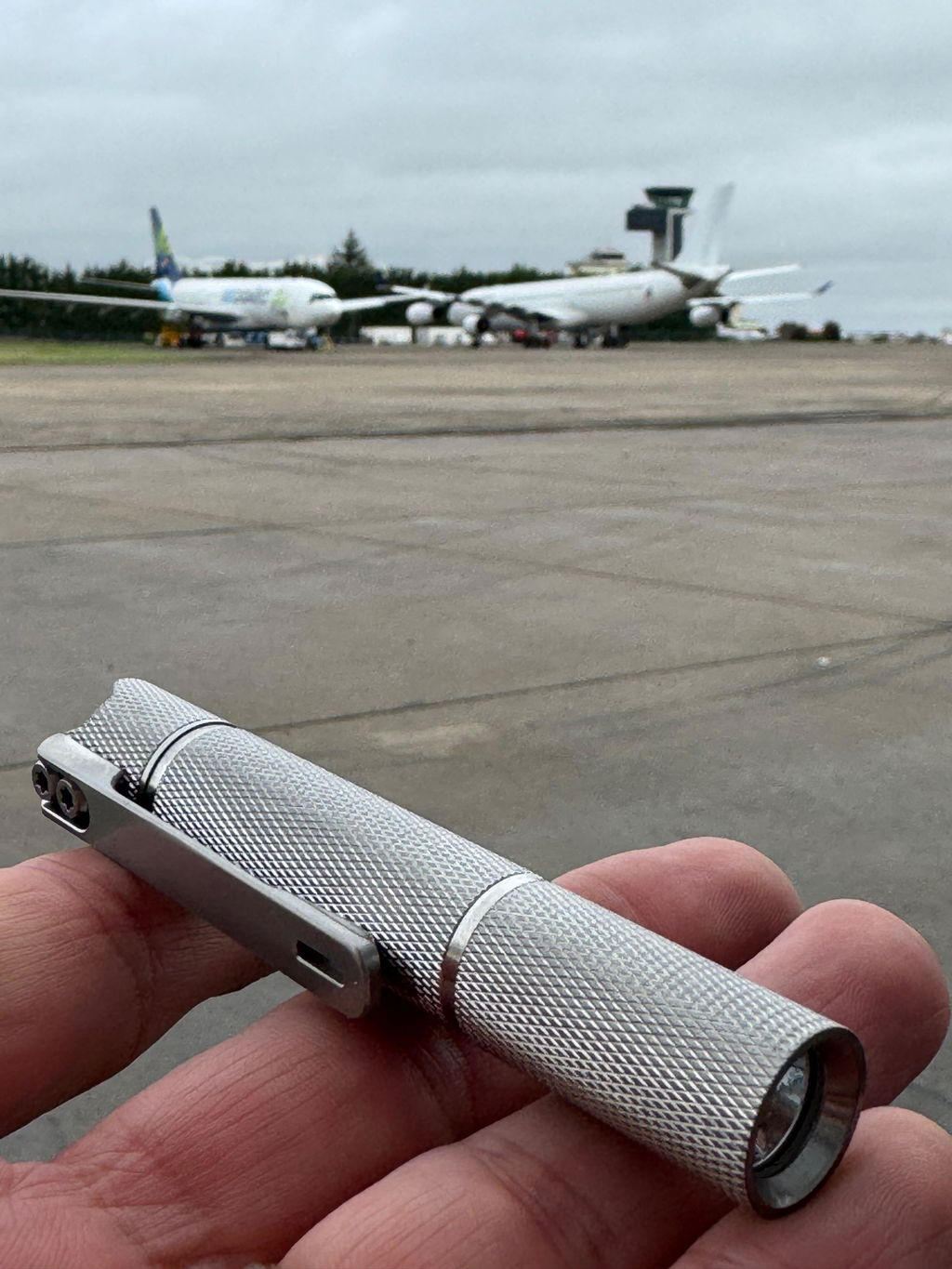
Nice light (my third) but the button is several millimeters below the scalloped edge which makes it very difficult to push.